
WordPress Website Development Using LocalWP
About Course
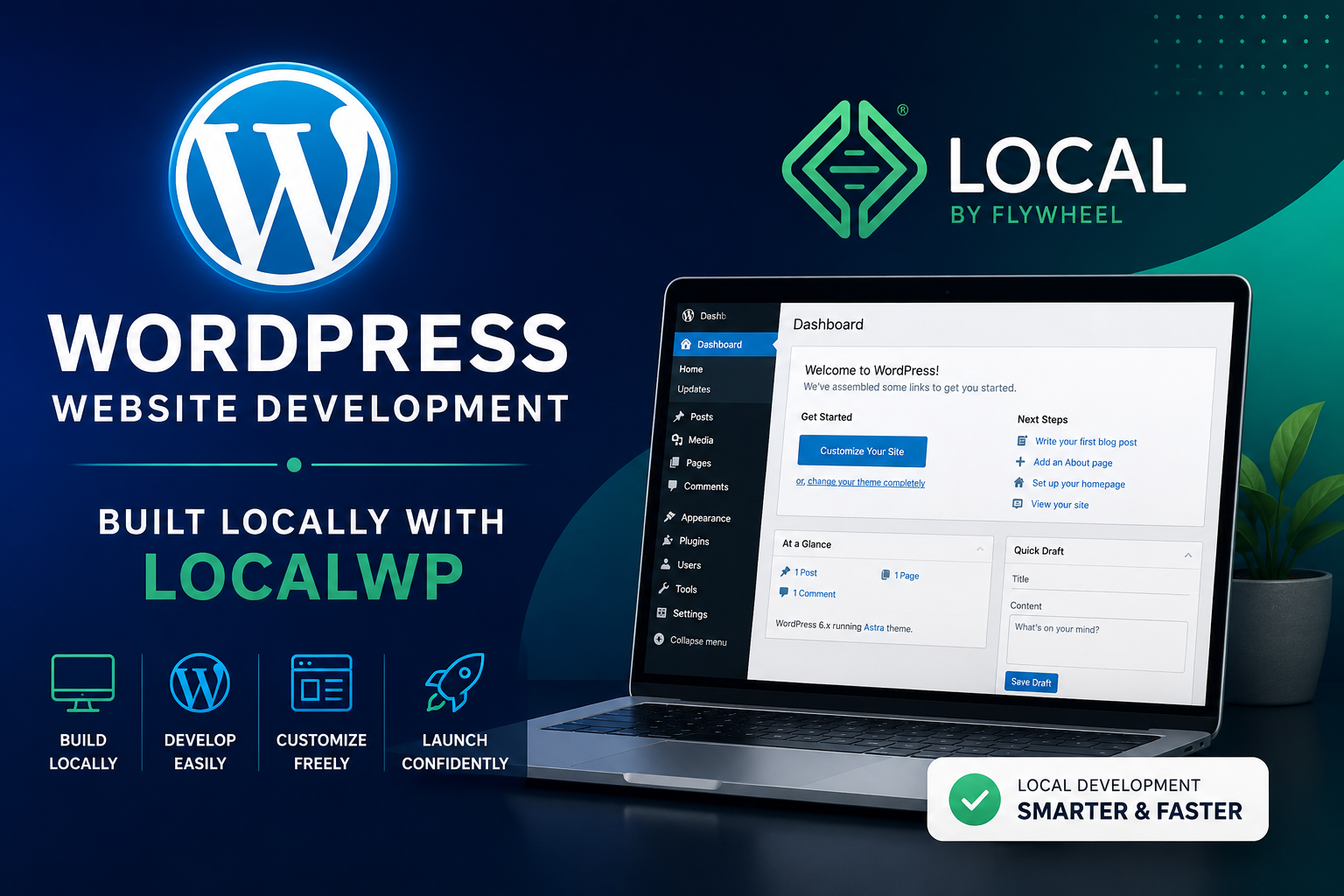
This is a recorded course designed for beginners and aspiring web developers who want to learn how to build WordPress websites on their local computer using LocalWP. You will learn the complete process of setting up a local development environment, installing WordPress, creating pages, customizing themes, installing plugins, and preparing your website before moving it to a live server.
The lessons are explained step by step, making them easy to understand even if you have little or no experience with WordPress. By the end of this course, you will have the knowledge and confidence to build and test WordPress websites offline using LocalWP.
Language: Bisaya (Recorded Course)
What You’ll Learn
- Install and set up LocalWP
- Install WordPress on your local computer
- Understand the WordPress dashboard
- Create pages, posts, and menus
- Install and customize themes
- Install and manage plugins
- Build a complete website locally
- Prepare your website for deployment to a live hosting server
Start learning WordPress website development and build your skills with easy-to-follow recorded lessons.
Course Content
WordPress Website Development Using LocalWP
-
Meet and Greet & Course Introduction
45:18 -
LocalWP Introduction and Setup
01:24:16 -
Explore and Understand the WordPress Dashboard Interface
01:15:22 -
Navigating Elementor, Astra, and Starter Template Selection
01:21:16 -
Navigating Elementor Elements and Creating Page Content Using Prompts
01:26:58 -
WordPress Website Content Prompt Templates for All Businesses
-
Creating Content for Each Page Using AI Prompts
01:17:45 -
Blog Page Setup and Creating Content Using AI Prompts (Part 2)
01:46:52 -
Blog Content Creation and AI-Powered Website Content (Part 3)
01:08:16 -
Creating a Contact Form from Scratch and Designing a Website Logo
01:13:07
Student Ratings & Reviews